Cold email and follow-up sequences to importers, from your own mailbox
Write a first email and the follow-ups once. Abanro sends them in order from your Gmail or Google Workspace accounts, inside the hours you choose, so buyers see a real person at your company and replies land in your inbox.
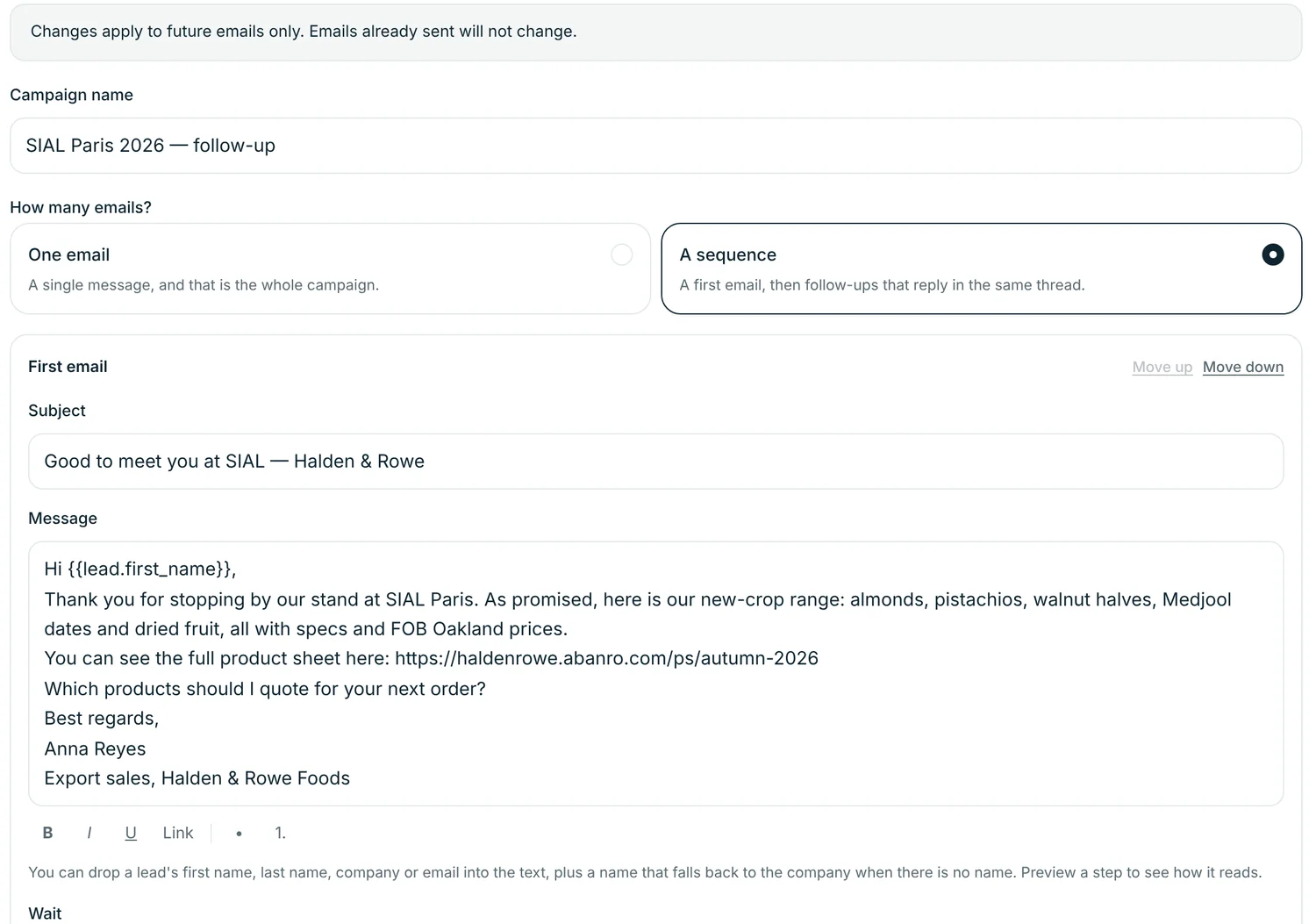
Write it once, follow up in the same thread
Send a single email, or a first email followed by as many follow-ups as you need, each after a wait you set.
- Follow-ups without a new subject reply in the original thread.
- Insert the buyer's first name, last name, company or email, with a fallback when a field is empty.
- Send yourself a test of any step before launch.
- After launch, edit steps that haven't gone out. Sent emails don't change.
Several mailboxes, sensible pacing
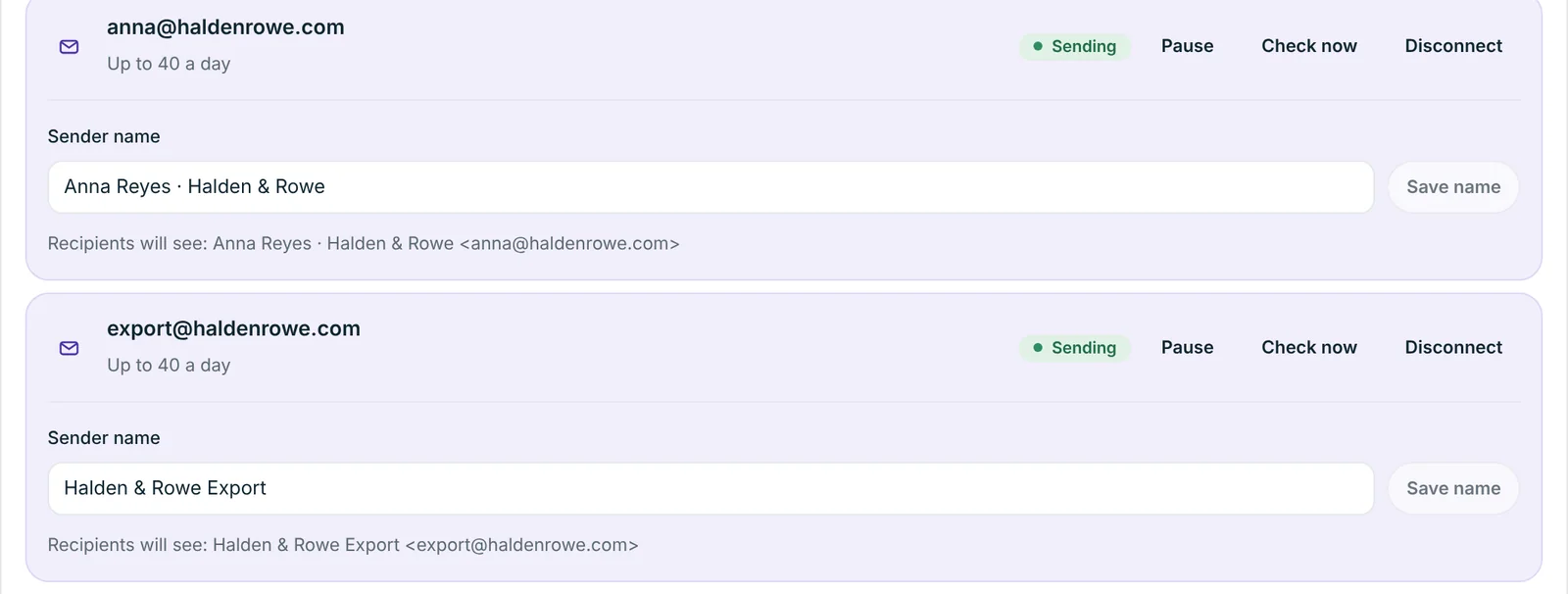
Spread outreach across the people on your sales team instead of pushing everything through one address.
- Share a campaign across connected accounts; each buyer keeps the same sender for every step.
- Each mailbox has its own sender name and daily limit.
- Send only on the days and hours you set, in the time zone you choose. Useful when buyers are eight hours ahead.
Know who has had what
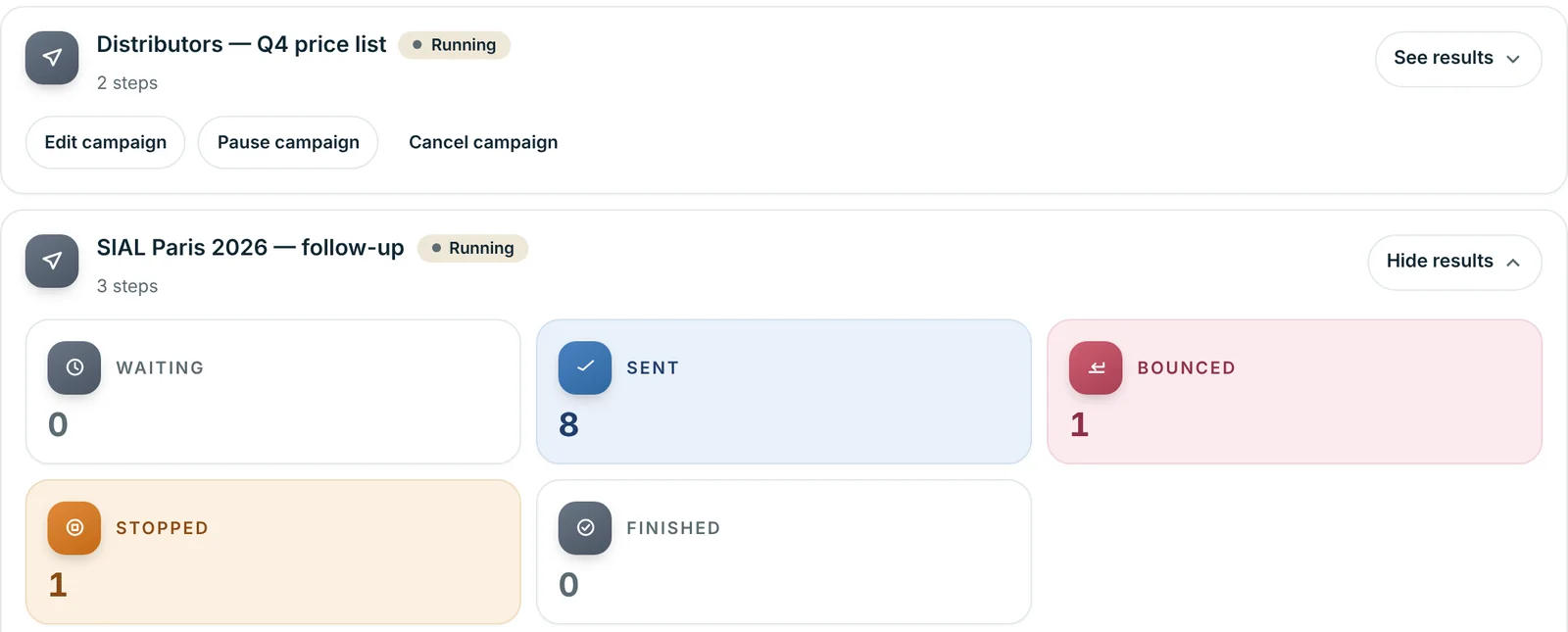
Each campaign shows how many buyers are waiting, sent, bounced, stopped or finished, and where every buyer is in the sequence.
An address that bounces is taken out of the sequence. When a buyer replies, stop the sequence for them in one click.
Choosing who gets it
- By tag. Everyone tagged SIAL Paris 2026 or Distributor, including buyers you tag later.
- By country. Narrow a campaign to the markets you want.
- By hand. Search and pick exactly who gets it.
- Paste a list. Paste addresses and they're added to your buyers, matched to anyone already there.
- Permission respected. Buyers whose email permission is off are left out, and the review step tells you why.
Keeping cold email out of spam
Deliverability depends mostly on your domain and what you send. A few habits matter more than any tool:
- Set up SPF, DKIM and DMARC for your domain in Google Workspace before you start.
- Start a new mailbox with a few emails a day and raise the limit slowly.
- Write to people who could plausibly buy from you, and say why you're writing to them.
- Keep the first email short and plain: no attachments, few links. Send a Product Sheet link once they're interested.
- Make it easy to say no, and stop writing to anyone who asks.
Our guide to cold emails to importers covers what to write and when to follow up.
Questions
Which email accounts can I connect?
Gmail and Google Workspace accounts. You sign in with Google and Abanro asks only for permission to send email on your behalf, plus your email address so it knows which account is connected.
Does Abanro read my inbox or stop a sequence when a buyer replies?
No. Abanro doesn't read your mailbox, so it can't see replies. Replies arrive in your own inbox as normal, and you stop the sequence for that buyer from the campaign results. Addresses that bounce are taken out automatically.
Will follow-ups appear in the same email thread?
Yes. A follow-up step without its own subject line is sent as a reply in the original thread, so the buyer sees the whole conversation together.
How many emails can I send a day?
You set a daily limit for each mailbox, and each campaign can have its own limit too. Google also applies its own sending limits to every account, so new mailboxes should start with small volumes.
Can I use more than one mailbox in a campaign?
Yes. A campaign can be shared across several connected accounts so no single mailbox carries all of it. Once a buyer gets their first email, every follow-up comes from the same address.
Is cold email to importers legal?
Rules differ by country. Some allow business-to-business outreach with a clear way to opt out; others require consent first. Check the rules for the markets you write to. Abanro leaves out buyers whose email permission is turned off.
Keep exploring
- WhatsApp follow-up for exporters Approved templates, campaigns and sequences that stop when a buyer replies.
- Buyer follow-up WhatsApp and email sequences that go out on a schedule you set once.
- Digital product sheets Share your range by link, QR code or PDF, with specs, packing and prices.
- Cold emails to importers What importers want to see in a first email, with templates and a follow-up schedule.
Send your first email sequence from your own mailbox.
Connect your Gmail or Google Workspace account, tag your buyers and launch a first email with follow-ups.
No credit card required · 14-day free trial · Plans from $49/month