Product Sheets
A digital product catalogue your buyers can open anywhere
Pick products from your catalogue and Abanro builds a clean page a buyer can read on a phone, forward to a colleague or print. Share it by link, QR code or PDF.
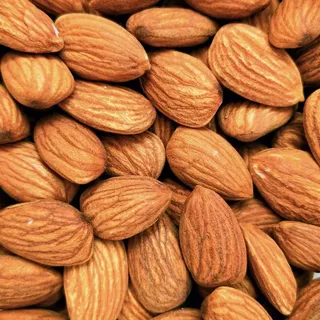
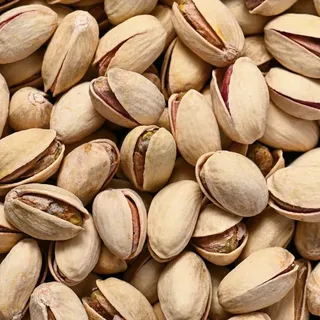

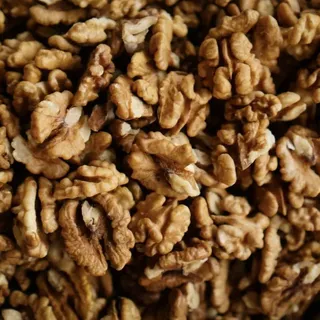


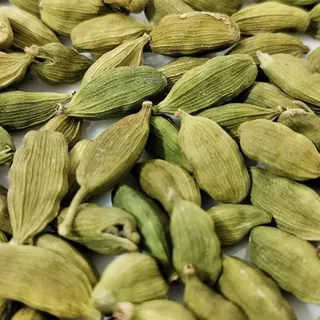

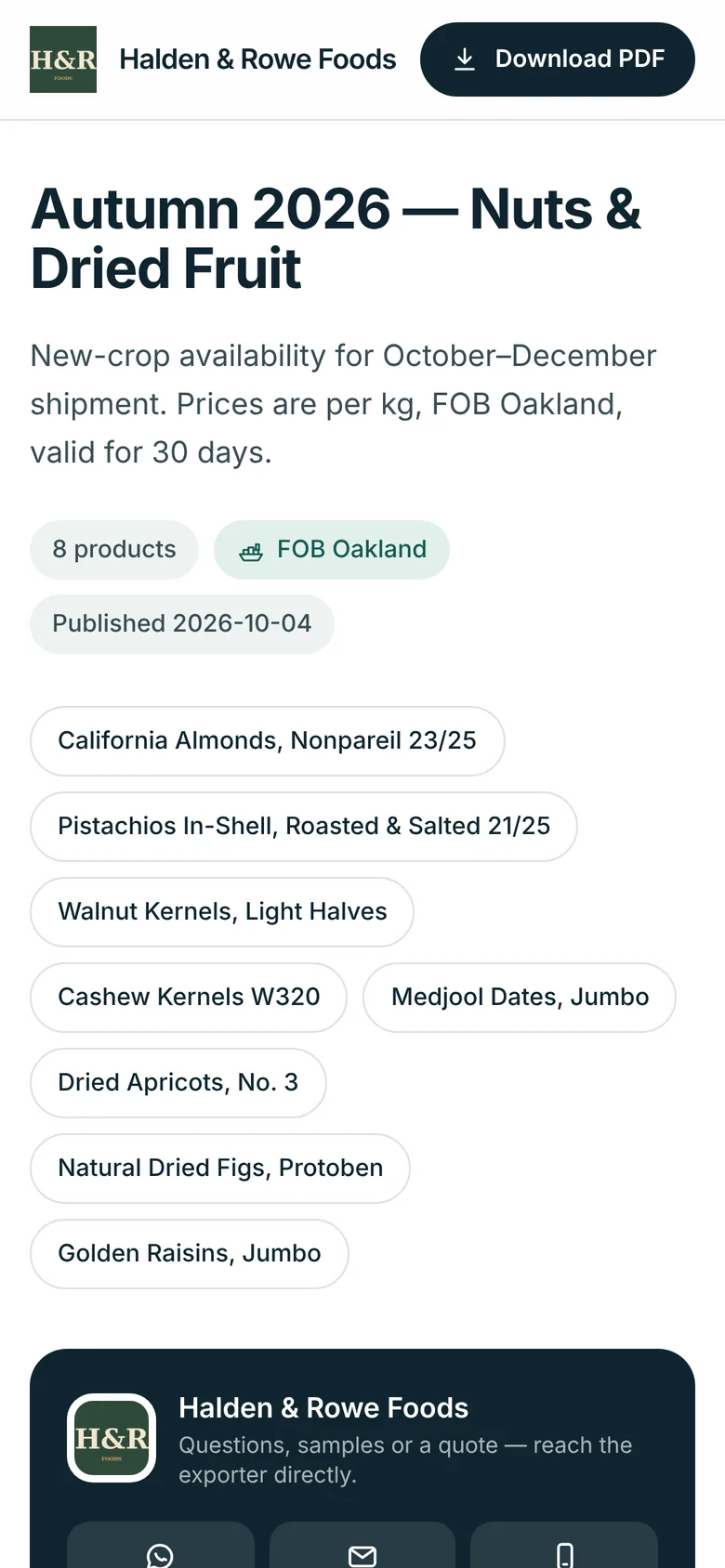
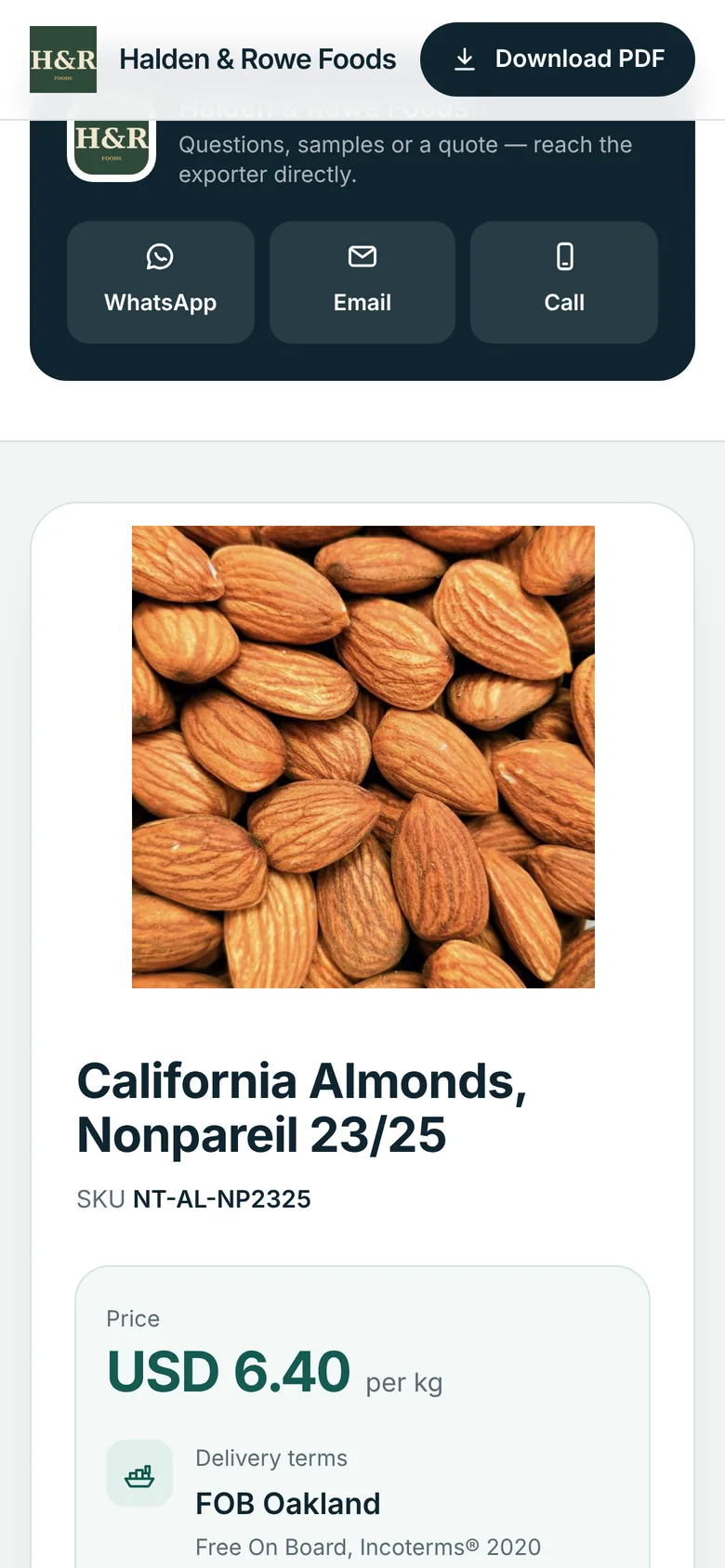
What the buyer sees
- Your logo, company name and a contact card with WhatsApp, email and call buttons.
- For each product: photos, price per unit or "price on request", delivery terms, origin, HS code, minimum order, selling unit and weights.
- Packaging: package type, units per package, size and net and gross weight.
- Specifications you choose, such as grade, size, moisture or shelf life.
- Certificates and documents you tick, and nothing you didn't.
- A PDF download of the same sheet.
What you control
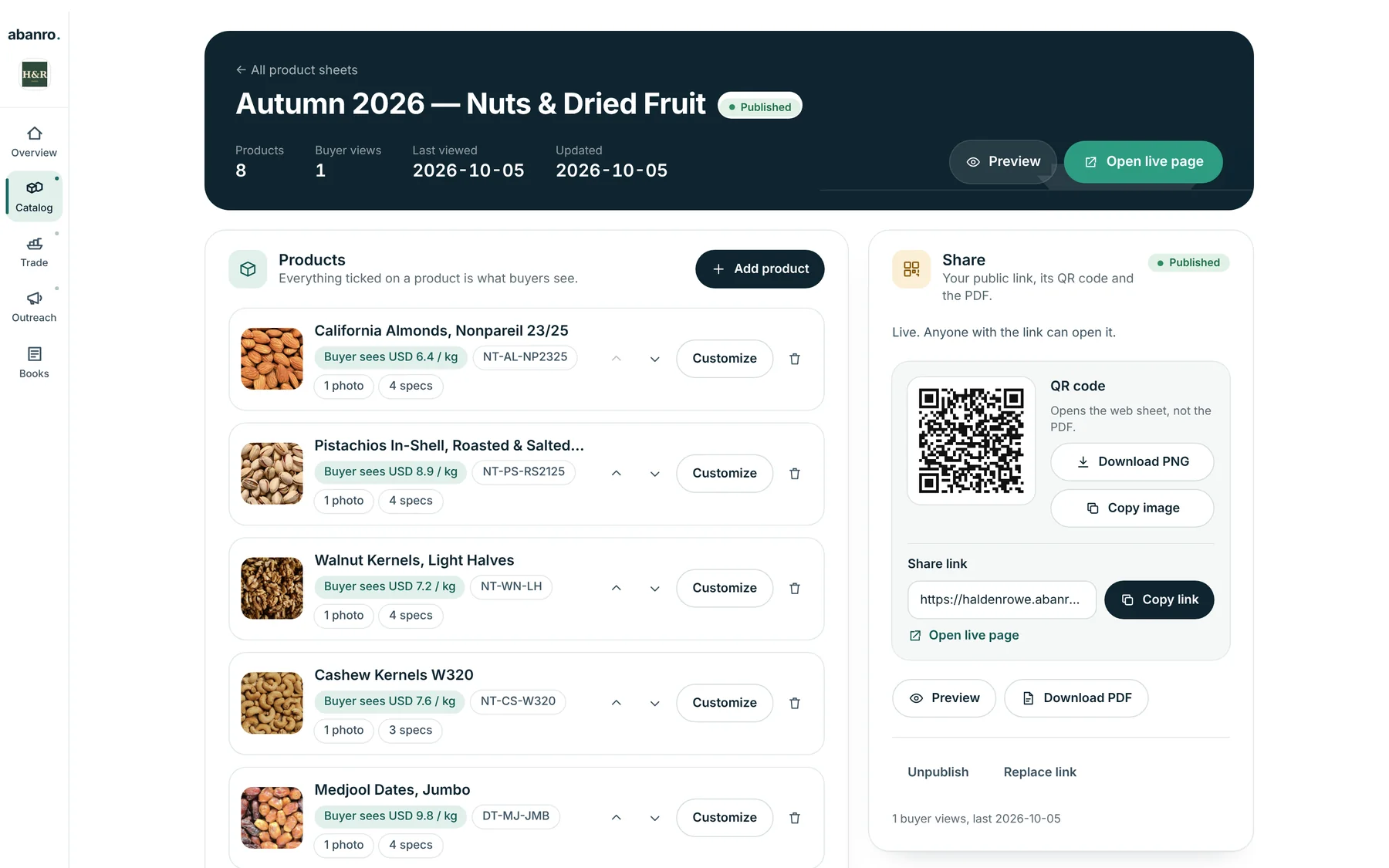
Each sheet is built from your export catalogue, so a product's details are kept up to date in one place.
Live or frozen
Live sheets follow your products as they change. Frozen sheets keep content and prices as they were when added, until you refresh them.
Prices per sheet
Show current prices, frozen prices or none. Override a price on one sheet without touching the product, or show "price on request".
Delivery terms
Quote the whole sheet on one Incoterm with a named port, such as FOB Oakland or CIF Jebel Ali, or leave terms per product.
For one buyer, or everyone
Link a sheet to a buyer for your own reference, change titles, descriptions and MOQ for that sheet, and add an introduction.
Who can open it
Protect a sheet with a 4-digit PIN, set an expiry date, unpublish it, or replace the link so the old one stops working.
Whether it was opened
See how many times buyers viewed the sheet and when they last did.
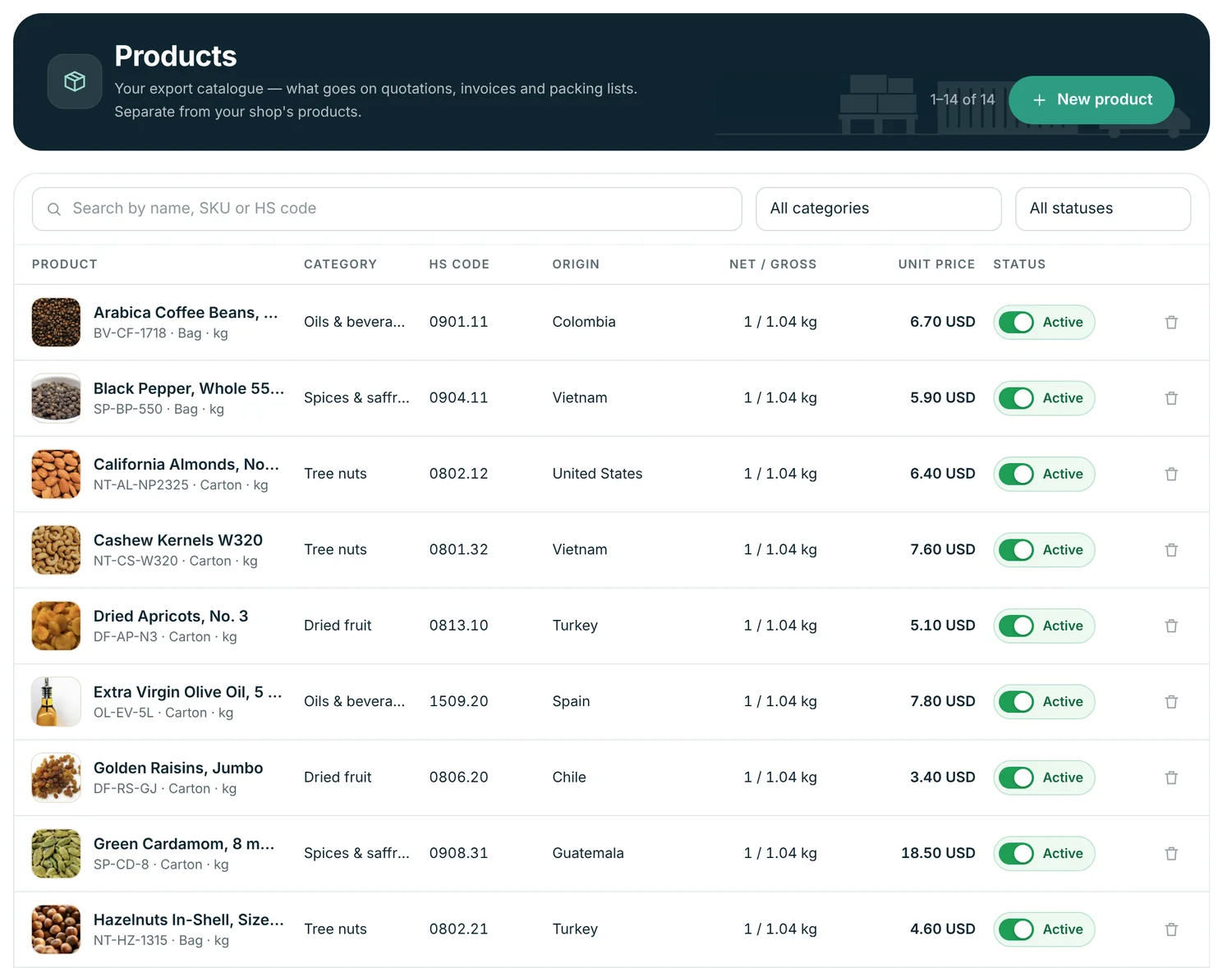
Built on an export catalogue
The same products feed your sheets, quotations, invoices and packing lists.
- Name, SKU, category, HS code and origin country.
- Selling unit, price and currency, net and gross weight.
- Minimum order quantity, packaging type, units per package, package size and weight.
- Photos, specifications, certificates and documents.
- Default Incoterm and named place per product.
Questions
What is a Product Sheet?
A buyer-facing page built from products in your Abanro catalogue: photos, specifications, packing, MOQ, origin, HS code, certificates and prices, with your company details and contact buttons. Buyers open it by link or QR code, or you send it as a PDF.
Can I show different prices to different buyers?
Yes. Each sheet can override prices for its products or show "price on request", and you can make as many sheets as your plan allows, for example one per market or season. Add a PIN or an expiry date to sheets with prices meant for one buyer.
What happens when I change a product?
A live sheet follows your catalogue, so changes appear on it. A frozen sheet keeps the content and prices it had when you froze it, which is useful once a price has been sent.
Do buyers need an account to view a sheet?
No. Anyone with the link can view it, unless you've set a PIN, in which case they enter the four-digit PIN first.
Keep exploring
- Building an export product catalogue The fields buyers check first: HS code, specs, packing, MOQ, Incoterms and certificates.
- For food exporters Dried fruit, nuts, dates, spices and ingredients: specs, certificates and show follow-up.
- Quotes, invoices and packing lists Quote, confirm and document export orders from your buyer and product data.
- Export lead management Turn trade-show cards and outreach lists into buyers you follow up with on time.
Make your first Product Sheet in a few minutes.
Add a few products with photos and specs, pick them for a sheet, and send the link to a buyer you met this month.
No credit card required · 14-day free trial · Plans from $49/month