WhatsApp sequences
From your WhatsApp Business number
- Step 1Price list offer
- 3 days
- Step 2Sample box offer
- reply
- ✓StoppedBuyer answered
- Up to 10 steps
- 1 hour to 90 days between steps
- Stops when a buyer replies
Export lead management
Trade shows, directories, referrals and outreach lists all produce the same thing: names you need to follow up with. Abanro Export gives every lead a record, a tag, a product sheet and a follow-up plan.
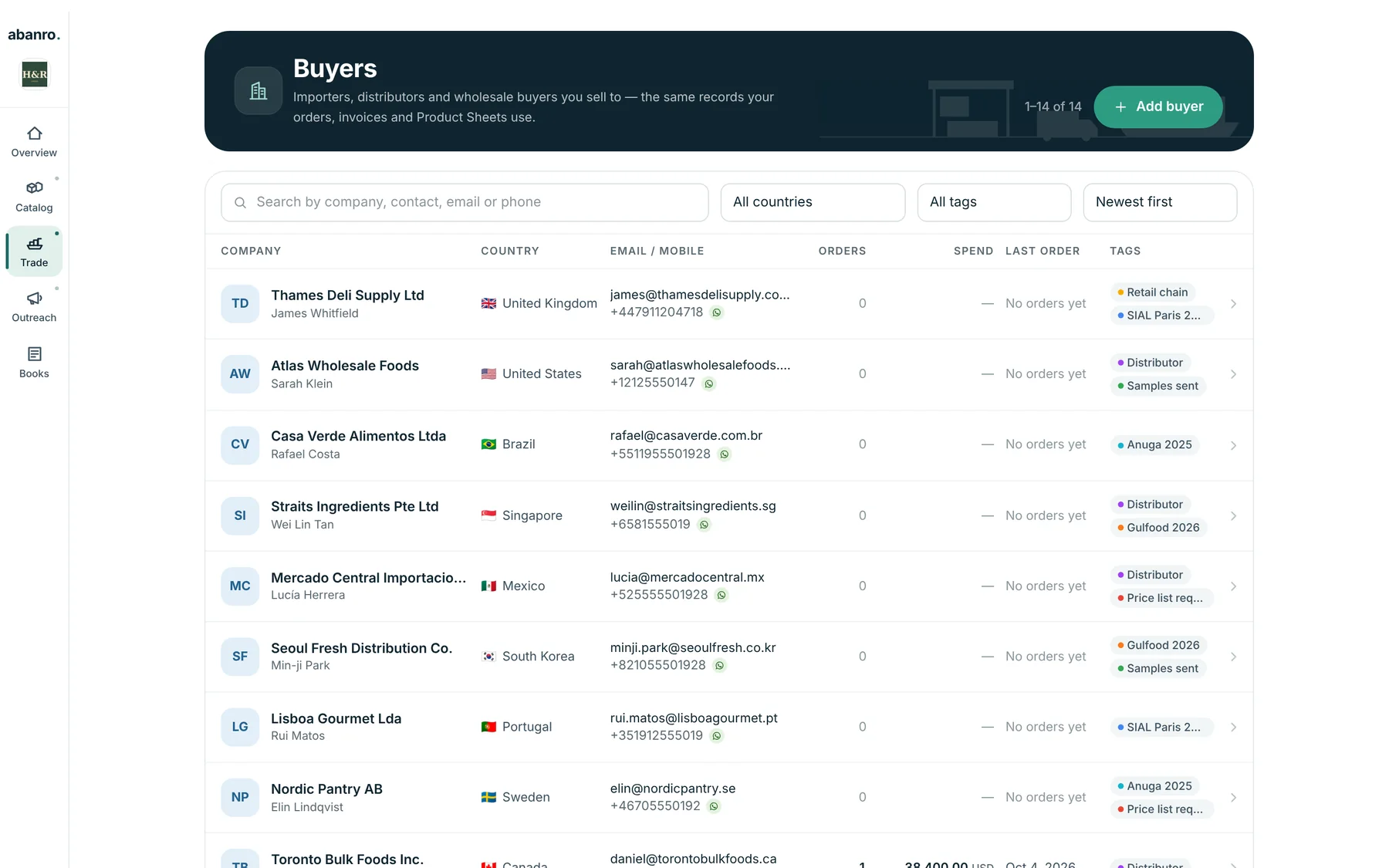
Add each lead as a buyer with company, contact person, country, WhatsApp and email, or bring a list in from a file or by pasting email addresses.
Tag leads with the show or source (SIAL Paris 2026, directory, referral) and their status (Price list requested, Samples sent).
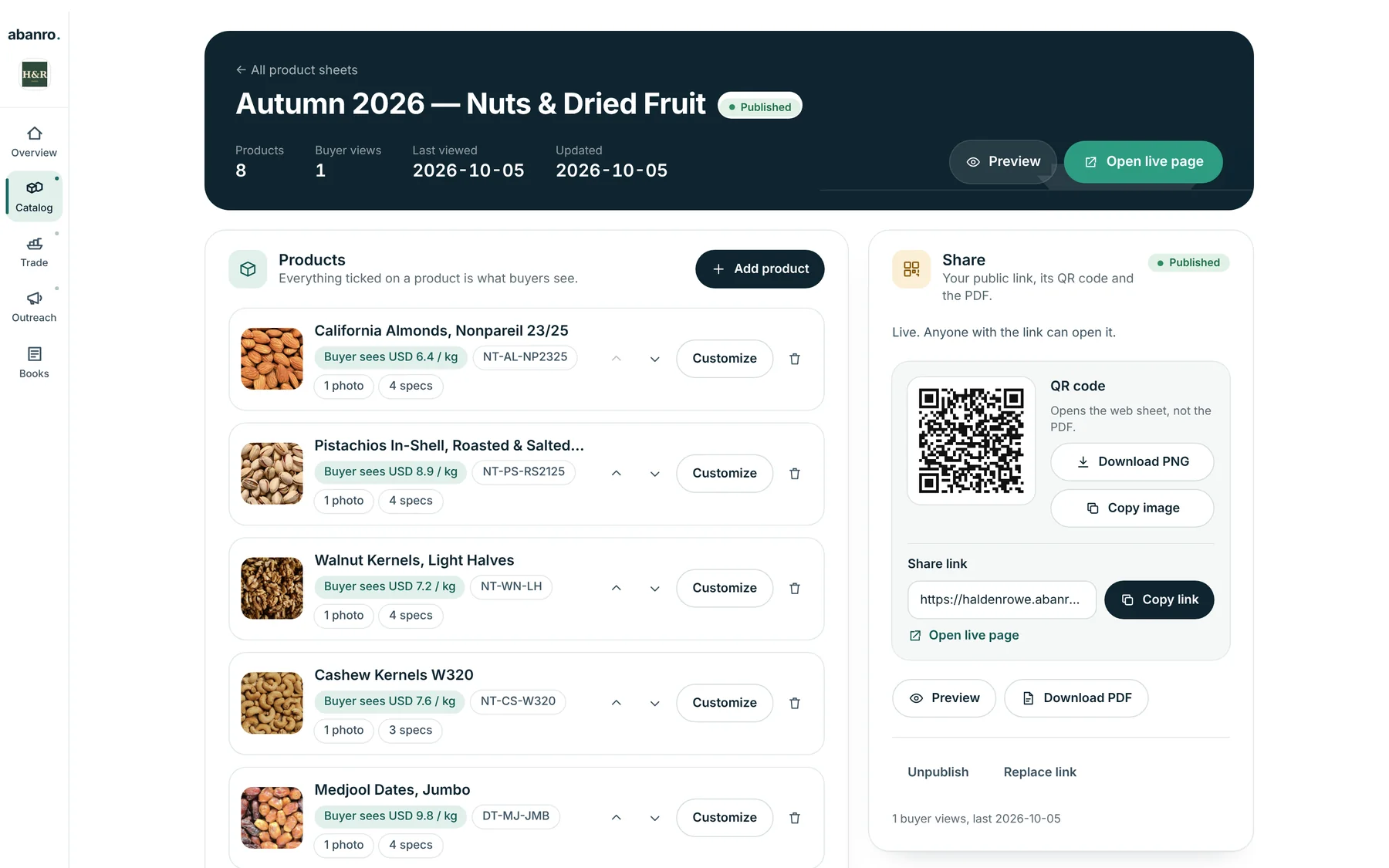
Send a Product Sheet built from your catalogue. Show its QR code at your stand or share the link in your first message.
Run a WhatsApp or email sequence to the tag. WhatsApp sequences stop for anyone who replies.
When a lead asks for a price, create the export order from their record, quote it and confirm it.
Tags are how you keep a show's leads together and see where each one stands. Filter by tag and country to see exactly who you met and who still needs a reply.
Instead of attaching different PDFs to each email, send one Product Sheet link with photos, specs, packing, MOQ and prices. Abanro counts buyer views so you know when it was opened.
Most export leads need more than one message. Set the sequence once and let it run.
From your WhatsApp Business number
From your own Gmail or Google Workspace
It's the work between first contact and first order: recording each potential importer or distributor, knowing where you met them and what they asked for, sending product information, and following up until they buy or say no.
Add them within a day or two, tag every lead with the show's name, note what they asked for, and start a short follow-up sequence while the conversation is fresh. Our trade show follow-up guide has a day-by-day plan.
Yes. Upload a CSV or Excel file from the Customers page in the Abanro app, or paste email addresses straight into an email campaign. Existing buyers are matched rather than duplicated.
That depends on the channel and the countries involved. WhatsApp requires approved templates for messages that start a conversation, and many countries regulate unsolicited email. Abanro leaves out anyone whose WhatsApp or email permission is turned off, but you're responsible for following the rules that apply to you.
Add your products and the buyers you met, send your first Product Sheet, and start a WhatsApp or email sequence today.
No credit card required · 14-day free trial · Plans from $49/month